






MacBook Air M3 vs M2 – Worth the Upgrade in 2025?
In 2025, Apple continues to dominate the thin-and-light laptop market with the release of the new MacBook Air M3. This latest model brings an upgraded chip and some internal improvements, while retaining the same sleek, minimalist design that fans of the Air lineup love. But for those who already own a MacBook Air M2—or even those considering buying a MacBook for the first time—the big question remains: is the M3 worth the upgrade?
The MacBook Air M2, launched in 2022, was a game-changer with its jump from Intel to Apple Silicon. It introduced faster performance, better battery life, and a refreshed design. Now with the M3 chip, Apple claims even more performance improvements, particularly in graphics, multitasking, and energy efficiency. But how much of that is truly noticeable in day-to-day use?
Contents
The Differences Between MacBook Air M3 Vs M2
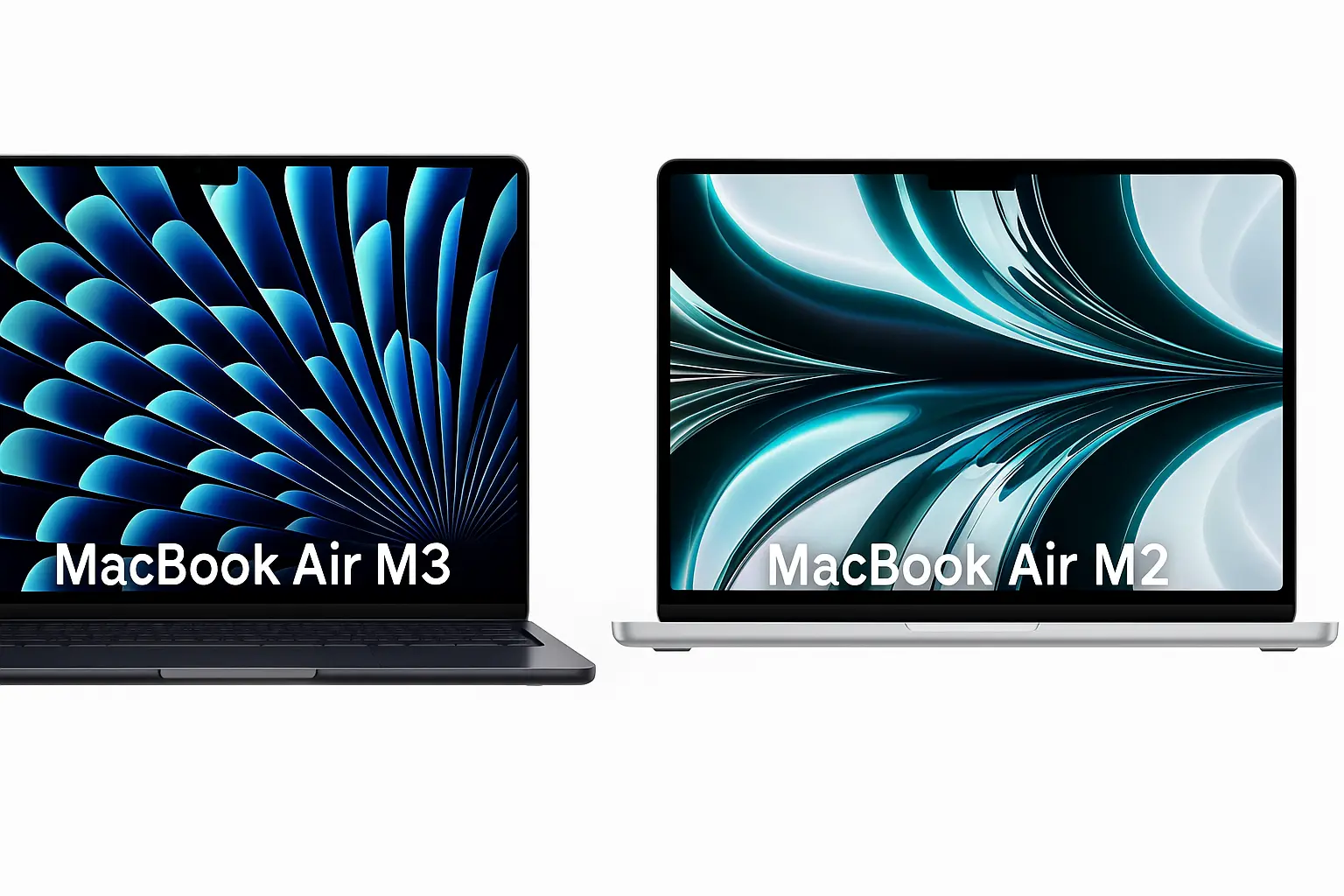
In this article, we’ll break down the key differences between the MacBook Air M3 and M2, comparing specs, real-world performance, display quality, battery life, and pricing. We’ll also give you practical recommendations based on what type of user you are—whether you’re a student, creative professional, or casual user who just needs a reliable Mac for browsing and streaming.
We’re not just throwing benchmarks at you. We’ll talk about what really matters when using these machines daily: is the M3 smoother in multitasking? Does it last longer on battery when editing videos? Is the 15-inch option of the M3 worth considering? Most importantly, we’ll help you decide if upgrading from M2 is necessary—or if waiting for future models is a smarter move.
Let’s dive into this in-depth comparison of the MacBook Air M3 vs M2 to help you make an informed decision.
🔍 Specs Comparison Air M3 Vs Air M2
| Feature | MacBook Air M2 (2022/23) | MacBook Air M3 (2025) |
|---|---|---|
| Chip | Apple M2 | Apple M3 |
| CPU Cores | 8-core | 8-core (faster efficiency) |
| GPU Cores | 8-core / 10-core | 8-core / 10-core |
| RAM Options | 8GB / 16GB / 24GB | 8GB / 16GB / 24GB |
| Storage Options | 256GB – 2TB SSD | 256GB – 2TB SSD |
| Display | 13.6″ Liquid Retina | 13.6″ / 15.3″ Liquid Retina |
| Battery Life | Up to 18 hours | Up to 18 hours |
| Price (starting) | $1,099 | $1,099 |
| Colors | 4 colors (incl. Midnight) | 4 colors (incl. Midnight) |
⚡ Performance
The biggest change is inside: the M3 chip uses a 3nm process (vs 5nm on M2), resulting in better efficiency and performance per watt. In real-world use, the M3 shows:
- 15–20% faster CPU speeds
- Improved GPU rendering (especially for creative apps)
- Better sustained performance with less thermal throttling
For everyday tasks, you won’t notice a massive difference—but power users and those using Final Cut, Xcode, or multitasking heavily will appreciate the jump.
🔋 Battery Life
Both models offer up to 18 hours, but the MacBook Air M3 is slightly more efficient in real-world usage, giving around 30–45 minutes extra screen time in browsing and video editing scenarios.
📺 Display & Design
No changes in resolution, brightness, or overall design. However, the M3 Air comes in two sizes: 13.6-inch and 15.3-inch. If you want more screen estate without jumping to a Pro, this is a nice bonus.
🧠 AI and ML Workloads
Apple optimized the Neural Engine and hardware for on-device AI and machine learning, which is becoming more relevant in creative apps. If you work with AI tools, this is a notable gain.
💵 Price & Value
Both M2 and M3 models start at $1,099, but M2 versions are often on sale (down to ~$899). So unless you need the performance boost now, M2 is the better deal for budget-conscious users.
🧑🎓 Who Should Upgrade?
Upgrade if you are:
- A content creator or developer who needs better multitasking or AI performance
- Moving from an Intel Mac (huge jump)
- Wanting a larger 15-inch MacBook Air

Stick with M2 if you are:
- A student or general user doing office work, streaming, browsing
- Already happy with your M2 MacBook’s performance

✅ Final Verdict
Is the M3 MacBook Air worth the upgrade? Yes—if performance matters to you, or you’re jumping from Intel or older Apple silicon. But if you’re already on M2 and your work is light to moderate, hold off or wait for sales.
🔗 You Might Also Like
- MacBook Air M3 Review – 2025
- Best Laptops with Long Battery Life – 2025
- Best Budget Laptops for College Students (2025)
❓FAQ
Is the MacBook Air M3 faster than the M2?
Yes, about 15–20% faster in CPU tasks and improved GPU performance.
What’s the biggest difference between MacBook Air M3 and M2?
The M3 chip is more efficient and powerful, and there’s a new 15-inch model.
Should I buy the M2 or M3 MacBook Air?
M2 if you’re on a budget, M3 if you want more performance or future-proofing.