





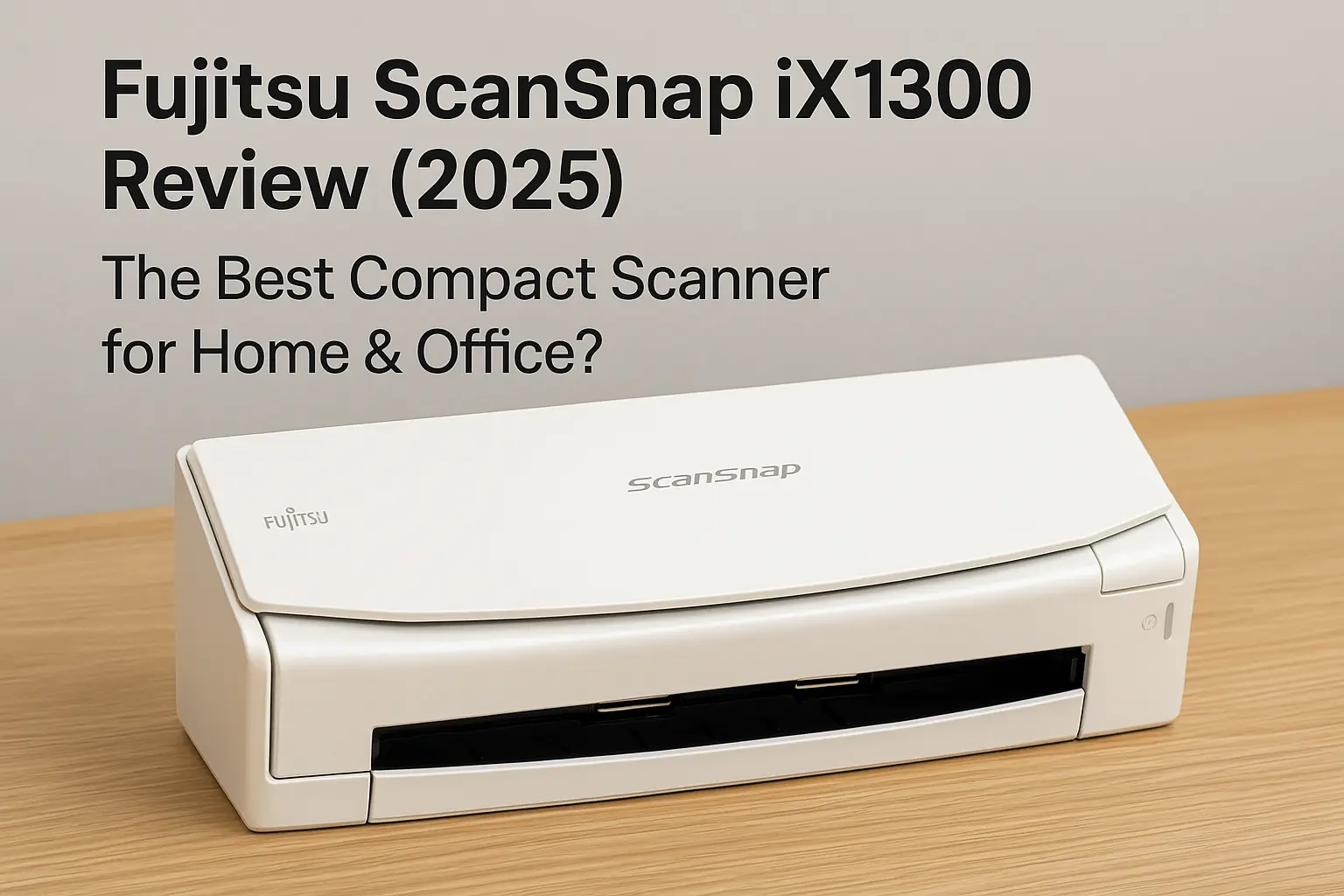
Fujitsu ScanSnap iX1300 Review (2025) – The Best Compact Scanner for Home & Office?
Looking for a compact, fast, and reliable scanner that fits perfectly on your desk without taking up much space? The Fujitsu ScanSnap iX1300 might just be what you need in 2025. Known for its excellent build quality and user-friendly design, the iX1300 is tailored for professionals, students, and home users who need efficient document scanning without the bulk.
In this review, we’ll break down everything you need to know about the Fujitsu ScanSnap iX1300 — from its design and performance to its latest price and where it stands against competitors.
Contents
📊 Quick Specs (2025 Model)
- Type: Duplex Color Document Scanner
- Scanning Speed: Up to 30 pages per minute (PPM)
- Resolution: 600 x 600 dpi
- Document Feeder: 20-sheet ADF (Automatic Document Feeder)
- Connectivity: USB 3.2 Gen1, Wi-Fi (2.4GHz/5GHz)
- Compatibility: Windows, macOS, iOS (via app)
- Dimensions: 11.5 x 4.0 x 3.3 inches
- Weight: 4.4 lbs
🎨 Design & Build
The iX1300 is impressively compact. It’s small enough to fit in tight spaces, yet feels sturdy and premium. The clamshell design allows you to close the scanner when not in use, keeping dust away and maintaining a clean aesthetic. It’s sleek, modern, and comes in a clean white finish that blends well with any workspace.
⚡ Performance & Features
Despite its small size, the iX1300 packs a punch:
- Speed & Efficiency: 30 PPM duplex scanning is great for busy users. Whether you’re digitizing receipts, contracts, or schoolwork, it’s fast and efficient.
- U-Turn and Manual Feeder: Allows for flexible feeding options. The U-turn path is great for standard paper, while the straight path helps with thicker media like ID cards or envelopes.
- One-Touch Scanning: With ScanSnap Home software, you can customize scanning destinations — cloud, email, folder, or device.
- Wi-Fi Scanning: Easily scan to your phone, tablet, or cloud service without needing a PC.
💲 Price & Availability (as of May 2025)
- Amazon: ~$299 USD
- Best Buy: $289.99 (on sale)
- Fujitsu Official Store: $299 with free shipping
For what it offers, the iX1300 is competitively priced. It’s often on sale around back-to-school season or during tech events.
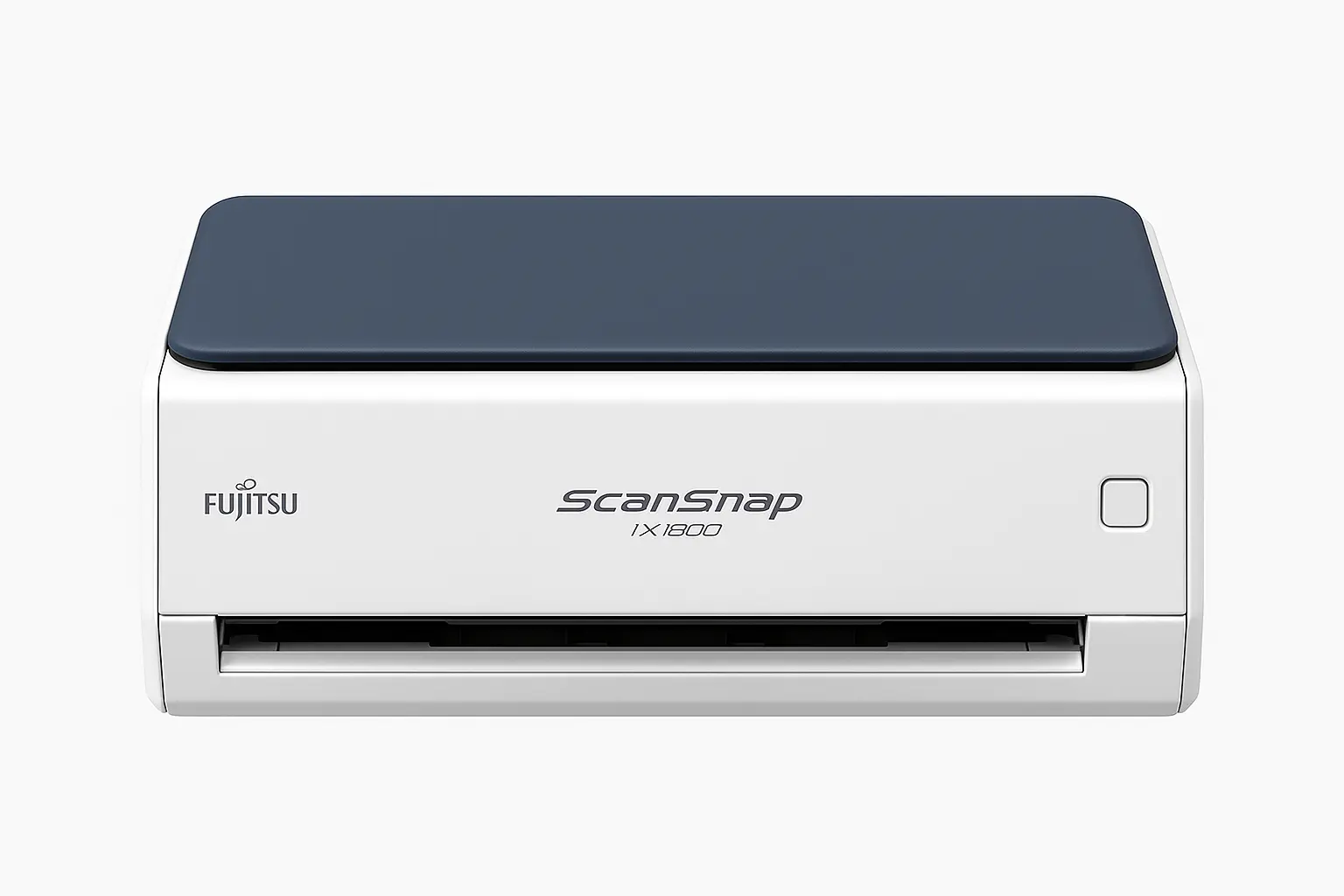
🔄 iX1300 vs iX1600: Which Should You Buy?
If you’re considering the iX1600 instead, here’s a quick comparison:
| Feature | ScanSnap iX1300 | ScanSnap iX1600 |
|---|---|---|
| Scan Speed | 30 PPM | 40 PPM |
| Display | No screen | 4.3” touchscreen |
| Size | More compact | Larger |
| Price | ~$299 | ~$429 |
| Best For | Portability | High-volume scanning |
Verdict: Get the iX1300 if you want portability and simplicity. Choose the iX1600 if you handle large volumes and need more customization.
🚀 Final Verdict: Is It Worth It?
Absolutely. The Fujitsu ScanSnap iX1300 is a top-tier compact scanner for 2025. It’s fast, reliable, and thoughtfully designed for modern workflows. Whether you’re a student scanning notes or a professional digitizing paperwork, it delivers.
Pros:
- Super compact and stylish
- Fast duplex scanning
- Flexible media handling
- Wireless + USB options
Cons:
- No touchscreen
- ADF capacity might be small for heavy use
If you value space-saving design and wireless convenience, the iX1300 is a great buy.
📅 Related Articles:
- Best Portable Scanners for Laptops in 2025
- Must-Have Gadgets for Working from Home (WFH) 2025
- Epson WorkForce ES-50 Review – Best Portable Scanner for Travel & Office
✅ FAQ Section
❓Does the Fujitsu ScanSnap iX1300 support Wi-Fi scanning?
Yes, it supports dual-band Wi-Fi (2.4GHz & 5GHz), so you can scan wirelessly to your PC, smartphone, or cloud storage.
❓Can I use the iX1300 without a computer?
Absolutely. Thanks to its Wi-Fi capabilities and mobile app support, you can scan directly to cloud services or mobile devices without needing a computer.
❓Is the iX1300 compatible with macOS?
Yes, the ScanSnap iX1300 works seamlessly with both Windows and macOS, using the ScanSnap Home software.
❓What types of documents can the iX1300 scan?
It can handle standard documents, receipts, business cards, IDs, and even envelopes, thanks to its U-turn and manual feed paths.
❓How many pages can the ADF hold?
The automatic document feeder (ADF) supports up to 20 sheets at a time.