






Best 140W Power Banks for Laptops & MacBooks in 2025 – Fast Charging Anywhere
Contents
Introduction – Why 140W Power Banks Are Game-Changers in 2025
Gone are the days when power banks were only meant to top off your phone once or twice. In 2025, we’re entering a new era of serious charging power — and 140W power banks are leading the charge. These aren’t your average pocket bricks. They’re full-fledged charging stations designed for MacBooks, gaming laptops, iPads, drones, Steam Decks, and more.
The real game-changer here is USB-C PD 3.1 (Power Delivery Extended Range), which allows power banks to deliver up to 140 watts of output — enough to fully charge a 16-inch MacBook Pro at full speed, or power multiple devices at once. Whether you’re a remote worker juggling multiple devices, a digital nomad on the move, or a student who doesn’t want to fight over the last outlet at the library, a 140W power bank is your best friend.
What sets these power banks apart from regular ones isn’t just the higher output. It’s the smarter design, faster recharge speeds, and often, real-time display screens that show charging stats and battery life in detail. Some models even recharge themselves in under an hour.
In this guide, we’ve rounded up the best 140W power banks for 2025, based on real-world performance, build quality, device compatibility, and price-to-value ratio. Whether you’re loyal to Anker, curious about Ugreen or Baseus, or looking for something with a transparent design like Shargeek, we’ve got a pick for every type of user.
🔋 Top 5 Best 140W Power Banks in 2025
1. Anker 737 Power Bank (PowerCore 24K)

Capacity: 24,000mAh
Max Output: 140W USB-C PD 3.1
Ports: 2× USB-C, 1× USB-A
Display: Yes (real-time power & battery level)
Price: ~$159.99 – $179.99
Why it’s great:
Trusted reliability, premium build, fast recharging, and perfect for MacBooks and laptops.
Downside: Heavier and pricier than average.
Best for: Remote workers, travelers, MacBook Pro users.
2. Baseus Blade 2 140W Laptop Power Bank

Capacity: 20,000mAh
Max Output: 140W
Ports: 2× USB-C, 1× USB-A
Display: Yes (flat panel design)
Price: ~$119 – $139
Why it’s great:
Super thin design, ideal for laptop bags. Good value for money.
Downside: Slightly lower capacity.
Best for: Students, business travelers.
3. Zendure SuperTank Pro (Updated 2025 Edition)
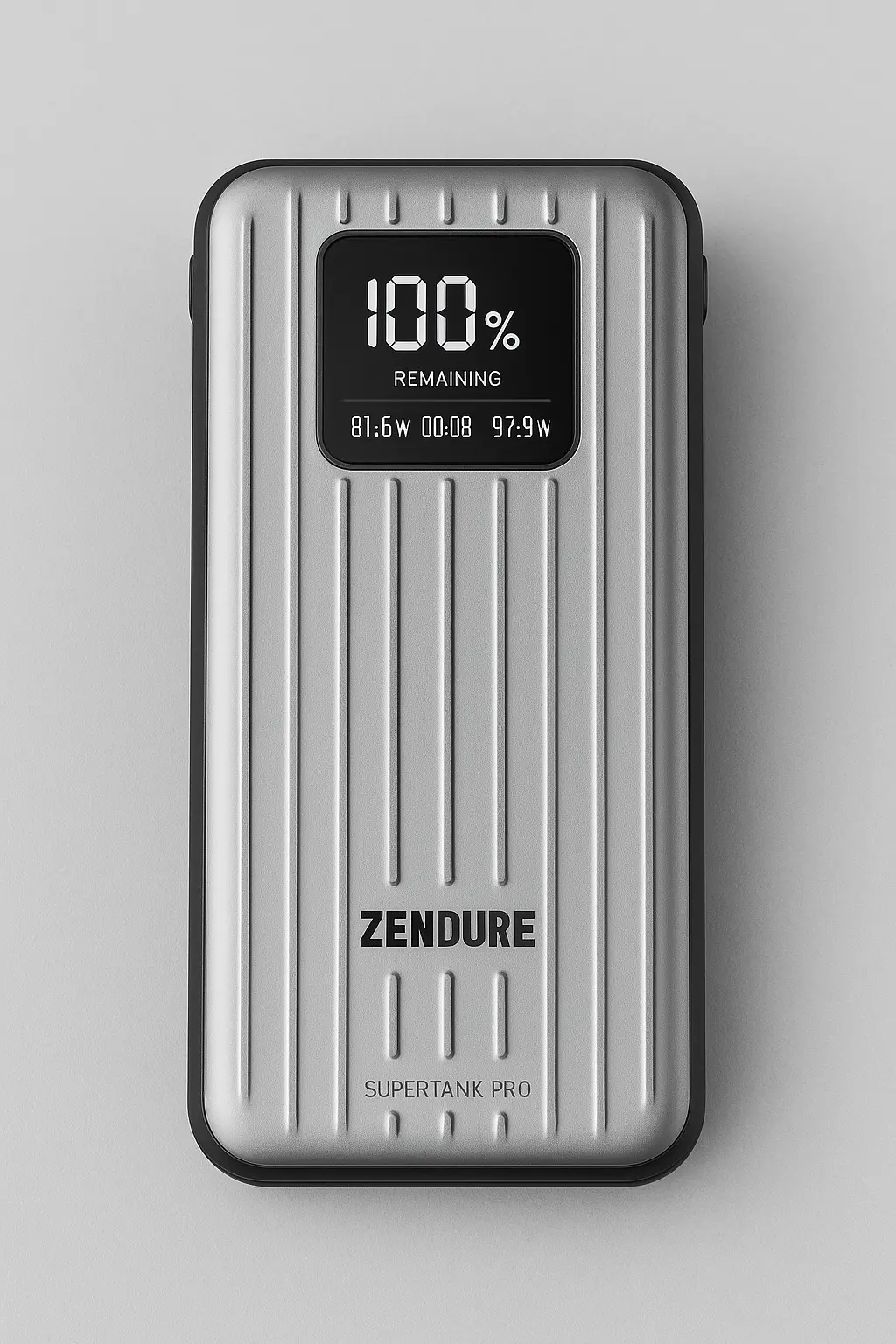
Capacity: 26,800mAh
Max Output: 138W (100W max single port)
Ports: 4× USB-C
Display: Yes (OLED)
Price: ~$199
Why it’s great:
Military-grade rugged build, high port count.
Downside: Heavy, expensive.
Best for: Field workers, digital nomads.
4. Ugreen Nexode 140W Power Bank
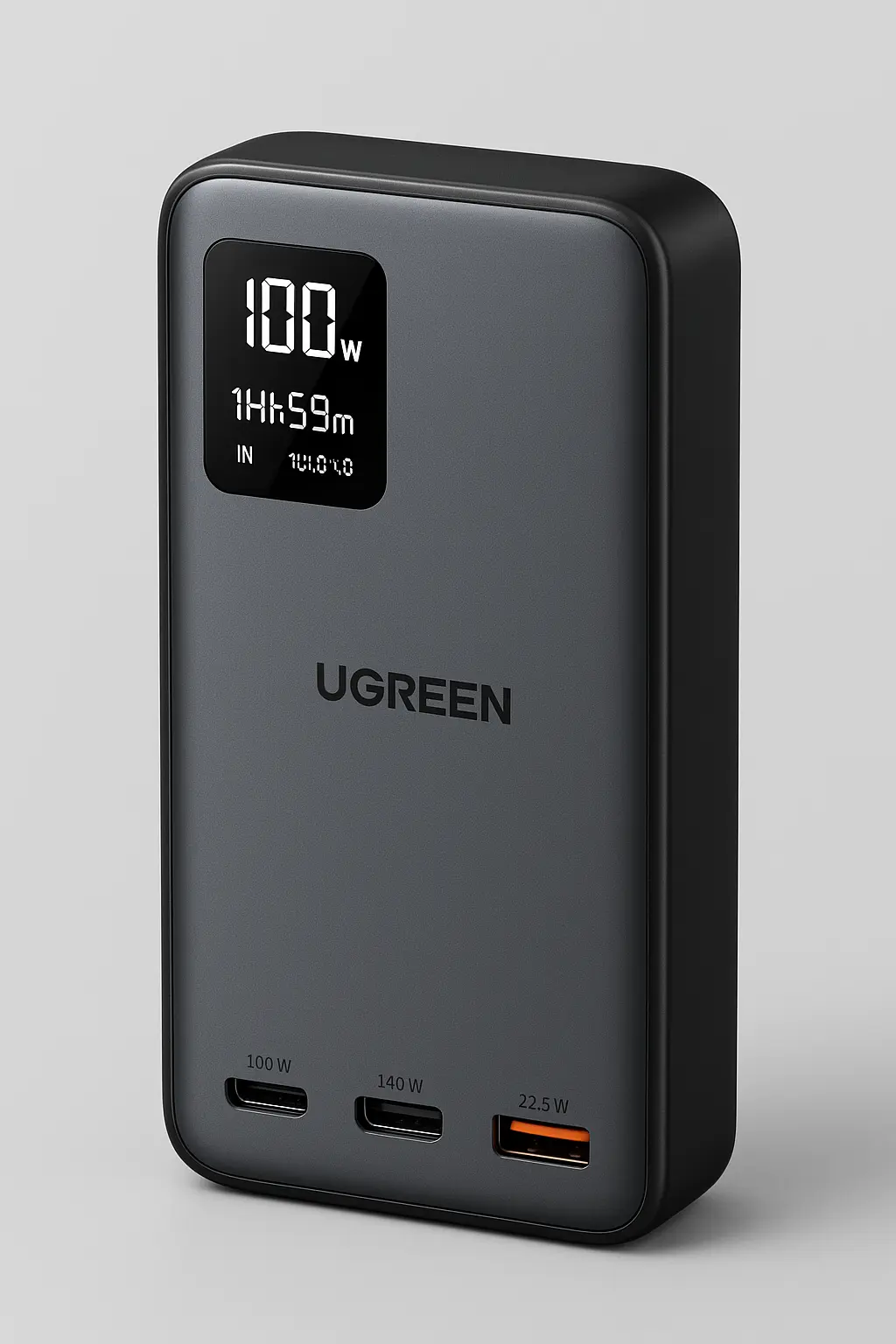
Capacity: 24,000mAh
Max Output: 140W (100W + 40W split)
Ports: 2× USB-C, 1× USB-A
Display: Yes
Price: ~$149
Why it’s great:
Excellent build and performance, competitive with Anker.
Downside: Not as widely available in retail.
Best for: Android & Windows users looking for Anker alternative.
5. Shargeek Storm 2 Slim Transparent Power Bank

Capacity: 20,000mAh
Max Output: 130W–140W (combined)
Ports: 2× USB-C, 1× USB-A
Display: Transparent LCD + internal electronics view
Price: ~$159
Why it’s great:
Unique look, geeky display, travel-friendly.
Downside: Lower capacity, not full 140W single-port.
Best for: Creators, tech enthusiasts.
📊 Comparison Table – 140W Power Banks (2025)
| Model | Capacity | Max Output | Display | Price Range | Best For |
|---|---|---|---|---|---|
| Anker 737 PowerCore 24K | 24,000mAh | 140W | Yes | $159–$179 | MacBooks, remote work |
| Baseus Blade 2 | 20,000mAh | 140W | Yes | $119–$139 | Laptops, students |
| Zendure SuperTank Pro | 26,800mAh | 138W | Yes | ~$199 | Rugged use, fieldwork |
| Ugreen Nexode 140W | 24,000mAh | 140W | Yes | ~$149 | Balanced performance |
| Shargeek Storm 2 Slim | 20,000mAh | ~130W | Yes | ~$159 | Tech fans, travelers |
👍 Pros of 140W Power Banks
Charge MacBooks, iPads, Steam Decks at full speed
Support USB-C PD 3.1 for high power output
Often come with digital displays for real-time tracking
Ideal for remote work, business trips, and multitasking setups
👎 Cons
Expensive compared to regular power banks
Heavier and bulkier — not pocket-friendly
You need a compatible charger (some don’t include one)
✅ Who Should Buy a 140W Power Bank?
Perfect for:
Laptop users (MacBook Pro, Dell XPS, Razer Blade)
Digital nomads and travelers
Content creators, video editors
Steam Deck & Nintendo Switch gamers
Not ideal for:
Casual phone users
Those needing ultra-portability
Tight budgets (unless on sale)
🔗 You Might Like
- Anker 737 Power Bank Review (2025)
- Best Power Banks for iPhone in 2025
- Best Power Banks for Outdoor (Hiking, Camping and Travel)
💬 FAQs
Q: Can 140W power banks really charge a MacBook Pro 16”?
✅ Yes, as long as they support USB-C PD 3.1 with 28V/5A output.
Q: Are 140W power banks TSA-approved?
✅ Most are under 100Wh, so they are allowed in carry-on bags.
Q: Do they work with iPhones and iPads?
✅ Yes, but 140W is overkill. Consider using lower-watt ports or a smaller power bank for phones.
Q: How long does it take to recharge the power bank itself?
✅ Around 1–1.5 hours if using a high-watt USB-C charger.
🏁 Final Thoughts
If you’re serious about productivity, travel often, or need laptop-level charging power on the go, 140W power banks are 100% worth it in 2025. Anker, Baseus, Ugreen, Zendure, and Shargeek each offer great options — it just depends on your budget, style, and device needs.