





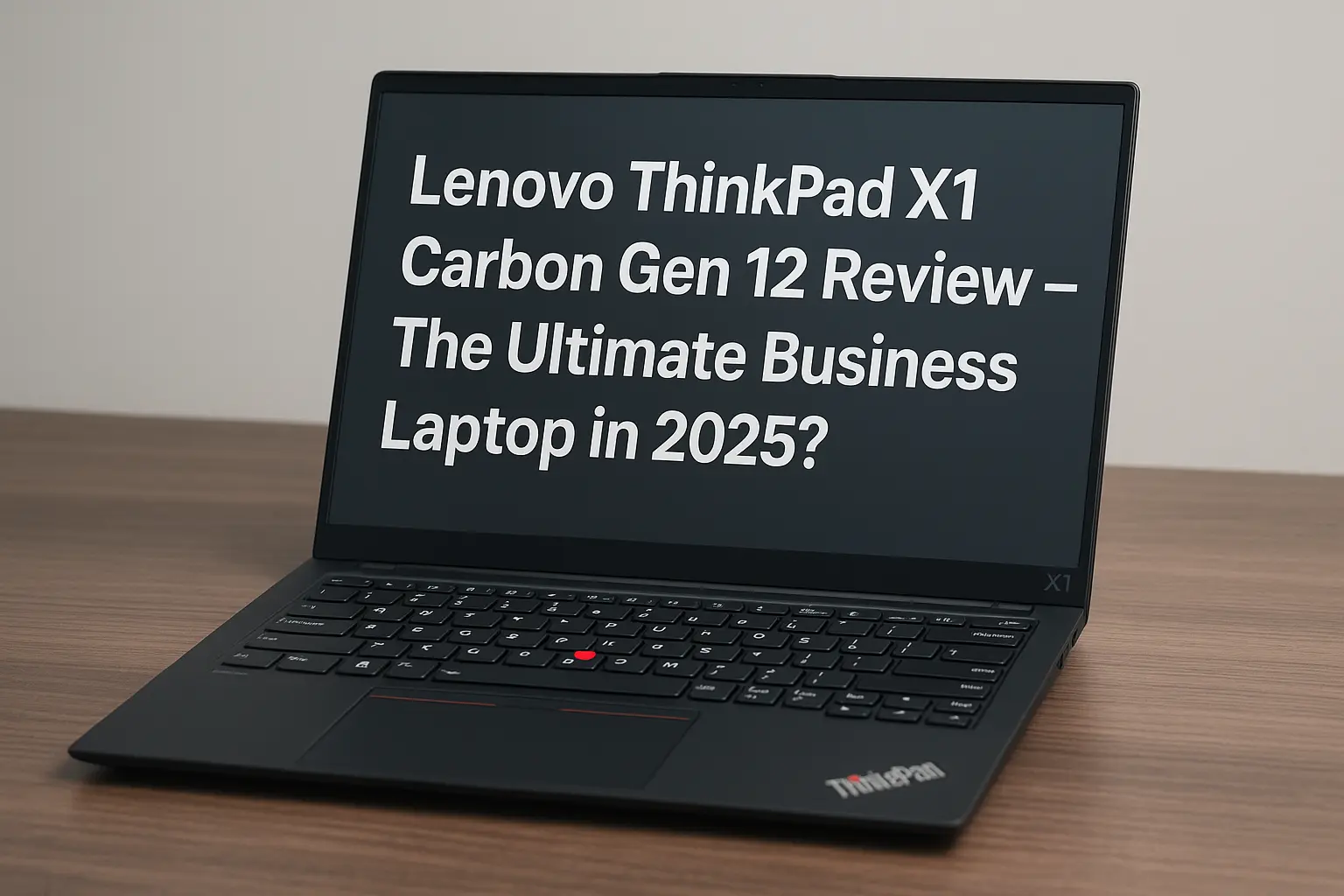
Lenovo ThinkPad X1 Carbon Gen 12 Review – The Ultimate Business Laptop in 2025?
The Lenovo ThinkPad X1 Carbon is no stranger to the business world. For over a decade, it has consistently delivered sleek design, exceptional build quality, and performance tailored for professionals. Now in its 12th generation, the X1 Carbon Gen 12 aims to remain the king of the premium ultrabook space. But with competition heating up in 2025, does it still hold its crown? Let’s dive in and see if it lives up to the hype.
Contents
- 1 Design and Build – Still Iconic, Now Sleeker
- 2 Display – OLED Option That Shines
- 3 Performance – Powered by Intel Core Ultra
- 4 Battery Life and Charging – All-Day Power
- 5 Ports and Connectivity – Ready for Anything
- 6 Software & Security – Business-Ready Out of the Box
- 7 Detailed Models and Specs Comparison
- 8 Pros & Cons
- 9 Pricing & Availability
- 10 Verdict – Is It Worth It in 2025?
- 11 Comparison Table – X1 Carbon Gen 12 vs Rivals
- 12 FAQs
Design and Build – Still Iconic, Now Sleeker
The X1 Carbon Gen 12 retains its signature carbon fiber and magnesium alloy chassis, making it one of the lightest and most durable laptops on the market at just 1.09 kg (2.4 lbs). It’s ultra-slim, tough, and feels every bit like a premium machine. The keyboard remains one of the best in class, offering deep travel and satisfying feedback, while the iconic red TrackPoint is still there for die-hard ThinkPad fans.
Display – OLED Option That Shines

The Gen 12 offers a stunning 14-inch 2.8K OLED panel as one of its top-tier configurations. The display is crisp, color-accurate (100% DCI-P3), and ideal for long working hours thanks to Eyesafe certification and anti-glare coating. If you don’t need OLED, Lenovo still provides WUXGA IPS options with low power consumption.
Performance – Powered by Intel Core Ultra
Under the hood, the Gen 12 comes equipped with Intel’s new Core Ultra 7 155H processor, built on Intel’s Meteor Lake architecture. You get up to 64GB LPDDR5x RAM and up to 2TB PCIe Gen 4 SSD. Performance is excellent for office work, light editing, software development, and even occasional data analysis.
The integrated Intel Arc graphics provide decent visuals and hardware-based AI acceleration. It’s not a gaming machine, but for business users, it’s more than enough.
Battery Life and Charging – All-Day Power
Thanks to its 57Wh battery and efficient architecture, the X1 Carbon Gen 12 delivers up to 14 hours of mixed usage. Lenovo’s RapidCharge tech allows for 80% charge in just 45 minutes – perfect for frequent flyers or on-the-go professionals.
Ports and Connectivity – Ready for Anything
You get a solid port selection: 2x Thunderbolt 4, 2x USB-A, HDMI 2.1, and a combo audio jack. Wi-Fi 6E and Bluetooth 5.3 ensure fast and stable connections. The FHD IR webcam includes a physical shutter and supports Windows Hello facial recognition.
Software & Security – Business-Ready Out of the Box
Running Windows 11 Pro, the Gen 12 also packs Lenovo’s ThinkShield suite for enterprise-grade security. Features include TPM 2.0, fingerprint sensor, and IR camera. BIOS-level protections and remote management options make it ideal for IT teams.
Detailed Models and Specs Comparison
Lenovo ThinkPad X1 Carbon Gen 12 – Available Models
| Model Name | Display | Processor | RAM | Storage | Special Features | Price (USD) |
|---|---|---|---|---|---|---|
| Base Model | 14″ WUXGA (1920×1200) IPS, non-touch | Intel Core Ultra 5 125H | 16GB LPDDR5x | 512GB SSD | Anti-glare, low power | ~$1,699 |
| Touchscreen Model | 14″ WUXGA IPS Touch | Intel Core Ultra 7 155H | 32GB LPDDR5x | 1TB SSD | Touch display | ~$1,899 |
| OLED Model | 14″ 2.8K OLED (2880×1800) | Intel Core Ultra 7 155H | 32GB LPDDR5x | 1TB SSD | 100% DCI-P3, Dolby Vision | ~$2,099 |
| PrivacyGuard Model | 14″ WUXGA IPS w/ PrivacyGuard | Intel Core Ultra 7 155H | 32GB LPDDR5x | 1TB SSD | Integrated screen privacy | ~$2,199 |
| Maxed-Out Model | 14″ 2.8K OLED | Intel Core Ultra 7 155H vPro | 64GB LPDDR5x | 2TB SSD | All features incl. CV webcam | ~$2,499 |
Specs Comparison Table
| Feature | Base Model | Touchscreen | OLED Model | PrivacyGuard | Maxed-Out Model |
|---|---|---|---|---|---|
| Display | 14″ WUXGA IPS | 14″ WUXGA Touch | 14″ 2.8K OLED | 14″ WUXGA PrivacyGuard | 14″ 2.8K OLED |
| CPU | Intel Core Ultra 5 | Intel Core Ultra 7 | Intel Core Ultra 7 | Intel Core Ultra 7 | Intel Core Ultra 7 vPro |
| RAM | 16GB | 32GB | 32GB | 32GB | 64GB |
| Storage | 512GB | 1TB | 1TB | 1TB | 2TB |
| Graphics | Intel Arc iGPU | Intel Arc iGPU | Intel Arc iGPU | Intel Arc iGPU | Intel Arc iGPU |
| Special | Low power panel | Touchscreen | OLED + Dolby Vision | Privacy screen | CV Webcam + vPro |
| Price | ~$1,699 | ~$1,899 | ~$2,099 | ~$2,199 | ~$2,499 |
Pros & Cons
Pros:
- Incredibly lightweight yet durable
- OLED display option
- Excellent keyboard and typing experience
- Long battery life with fast charging
Cons:
- Premium price point
- RAM is soldered and non-upgradable
- Not suitable for heavy gaming
Pricing & Availability
The Lenovo ThinkPad X1 Carbon Gen 12 starts at around $1,699 for the base model and can go over $2,499 for the maxed-out version. It’s available through Lenovo’s official store and major retailers like Amazon and Best Buy.
Verdict – Is It Worth It in 2025?
Absolutely, if you’re a business user or professional looking for reliability, portability, and premium build quality. The X1 Carbon Gen 12 remains a top-tier ultrabook that does everything right for its target market. While not a budget-friendly option, it’s a worthy investment.
Also Read: Dell XPS 13 (2025) Full Review – Specs, Pros & Cons
Compare With: MacBook Air M3 vs M2 – What’s New & Should You Upgrade?
Comparison Table – X1 Carbon Gen 12 vs Rivals
| Feature | ThinkPad X1 Carbon Gen 12 | Dell XPS 13 (2025) | MacBook Air M3 |
|---|---|---|---|
| Weight | 1.09 kg | 1.17 kg | 1.24 kg |
| CPU | Intel Core Ultra 7 | Intel Core Ultra 5/7 | Apple M3 |
| RAM | Up to 64GB | Up to 32GB | Up to 24GB |
| Battery Life | ~14 hours | ~12 hours | ~15 hours |
| Display | 2.8K OLED | 3.5K OLED | Liquid Retina |
FAQs
Q: Is the Lenovo ThinkPad X1 Carbon Gen 12 good for developers?
A: Yes. It’s lightweight, powerful, and great for multitasking and remote development work.
Q: Can you upgrade the RAM?
A: No, the RAM is soldered to the motherboard and not user-upgradable.
Q: Is it better than the MacBook Air M3?
A: For business users, yes. For Apple ecosystem fans, the MacBook still has the edge