





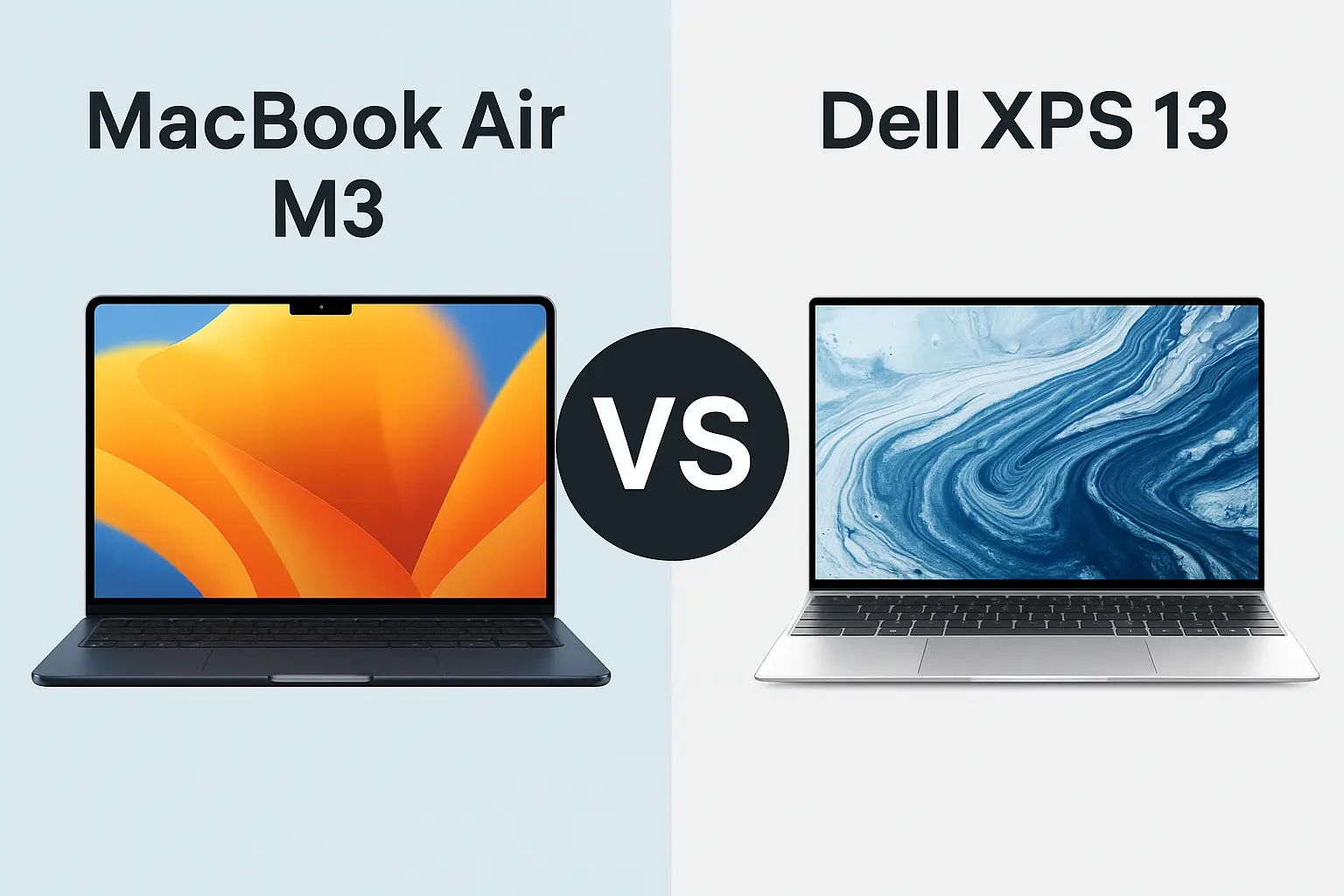
MacBook Air M3 vs Dell XPS 13 – Which Ultrabook Is Better for You in 2025?
Contents
Introduction
If you’re shopping for a sleek, powerful ultraportable laptop in 2025, chances are you’re stuck between two tech heavyweights: the MacBook Air M3 (2024 model) and the Dell XPS 13 (2024/2025 refresh). Both are premium ultrabooks designed for professionals, students, and creators who want high performance in a lightweight chassis. But which one is right for you?
In this article, we break down the key differences between these two popular laptops to help you make the best decision for your workflow, ecosystem, and budget.
1. Design & Portability
- MacBook Air M3 continues Apple’s tradition of elegant minimalism. At 2.7 lbs (1.24 kg), it features an aluminum unibody that’s both durable and beautiful.
- Dell XPS 13 is slightly lighter at 2.59 lbs (1.17 kg) and boasts an edge-to-edge design with premium aluminum and Gorilla Glass (for OLED variant).
Verdict: Both are extremely portable, but the Dell XPS 13 gets a slight edge in weight. The MacBook, however, wins in build simplicity and aesthetic.
2. Display Quality
- MacBook Air M3 has a 13.6” Liquid Retina (2560×1664) display with 500 nits brightness. It’s vibrant and color-accurate, great for media and work.
- Dell XPS 13 offers two options: FHD+ or a stunning 3.5K OLED (500 nits). The OLED variant delivers deeper blacks and better contrast.
Verdict: OLED on the XPS 13 wins for visuals, but the MacBook holds strong with color accuracy and battery-friendly performance.
3. Performance & Hardware
- MacBook Air M3 runs on Apple’s custom 8-core CPU and 10-core GPU, blazing fast for most tasks and extremely efficient thanks to ARM architecture.
- Dell XPS 13 comes with Intel Core Ultra 5 or 7 (Meteor Lake), offering excellent multi-core performance and better compatibility with legacy Windows apps.
Verdict: The M3 is more efficient and faster in single-core tasks; the XPS 13 may edge out in multitasking and app compatibility, especially for Windows-specific use.
4. Battery Life
- MacBook Air M3: Up to 18 hours
- Dell XPS 13: Up to 13 hours (OLED model slightly less)
Verdict: MacBook Air wins hands down in battery life, especially for those always on the move.
5. Ports & Connectivity
- MacBook Air M3: 2x Thunderbolt 4 (USB-C), MagSafe, headphone jack
- Dell XPS 13: 2x Thunderbolt 4 (USB-C)
Verdict: Both are minimalist. MacBook has the advantage with MagSafe and headphone jack.
6. Software & Ecosystem
- MacBook Air M3 runs macOS Sonoma, perfect for those in the Apple ecosystem (iPhone, iPad, AirPods sync seamlessly).
- Dell XPS 13 runs Windows 11, which is still king for software flexibility and gaming.
Verdict: Choose based on your ecosystem. macOS is cleaner and more optimized; Windows offers more flexibility.
7. Price & Value
- MacBook Air M3 starts at $1,099
- Dell XPS 13 starts at $1,199 (for OLED variant)
Verdict: MacBook Air offers better value per dollar when factoring in performance and battery life.
Table Comparison – MacBook Air M3 vs Dell XPS 13
| Feature | MacBook Air M3 (2024) | Dell XPS 13 (2024/2025) |
|---|---|---|
| Processor | Apple M3 (8-core CPU, 8/10-core GPU) | Intel Core Ultra 5 / Ultra 7 (Meteor Lake) |
| RAM Options | 8GB / 16GB / 24GB Unified Memory | 8GB / 16GB / 32GB LPDDR5x |
| Storage Options | 256GB / 512GB / 1TB / 2TB SSD | 512GB / 1TB / 2TB SSD |
| Display | 13.6″ Liquid Retina, 2560×1664, 500 nits | 13.4″ FHD+ / 3.5K OLED, 500 nits |
| Graphics | Integrated 10-core GPU | Intel Arc integrated graphics |
| Battery Life | Up to 18 hours | Up to 12–13 hours (lower for OLED) |
| Weight | 2.7 lbs (1.24 kg) | 2.59 lbs (1.17 kg) |
| Build Material | Aluminum unibody | Aluminum + Gorilla Glass (OLED model) |
| Ports | 2x Thunderbolt 4 (USB-C), MagSafe, headphone jack | 2x Thunderbolt 4 (USB-C) |
| Operating System | macOS Sonoma | Windows 11 Home/Pro |
| Starting Price (US) | $1,099 | $1,199 |
Final Verdict: Which One Should You Buy?
- Go for the MacBook Air M3 if you want better battery life, a more optimized system, and are already within Apple’s ecosystem.
- Pick the Dell XPS 13 if you prefer Windows, need more RAM options (up to 32GB), and value the OLED display for content work.
Both laptops are excellent. It really comes down to what software you use, and whether you value battery or display more.
Internal Links
FAQ (User)
Q: Is the MacBook Air M3 good for video editing?
A: Yes, for light to moderate 4K video editing, the M3 performs impressively thanks to the unified memory and GPU.
Q: Does Dell XPS 13 support touch screen?
A: Yes, the OLED version supports touch input.
Q: Can I upgrade RAM on either laptop?
A: No, both laptops have soldered RAM, so choose your configuration wisely.
Q: Which laptop is better for college students?
A: MacBook Air M3 for battery and ecosystem; Dell XPS 13 for Windows compatibility and OLED display.