





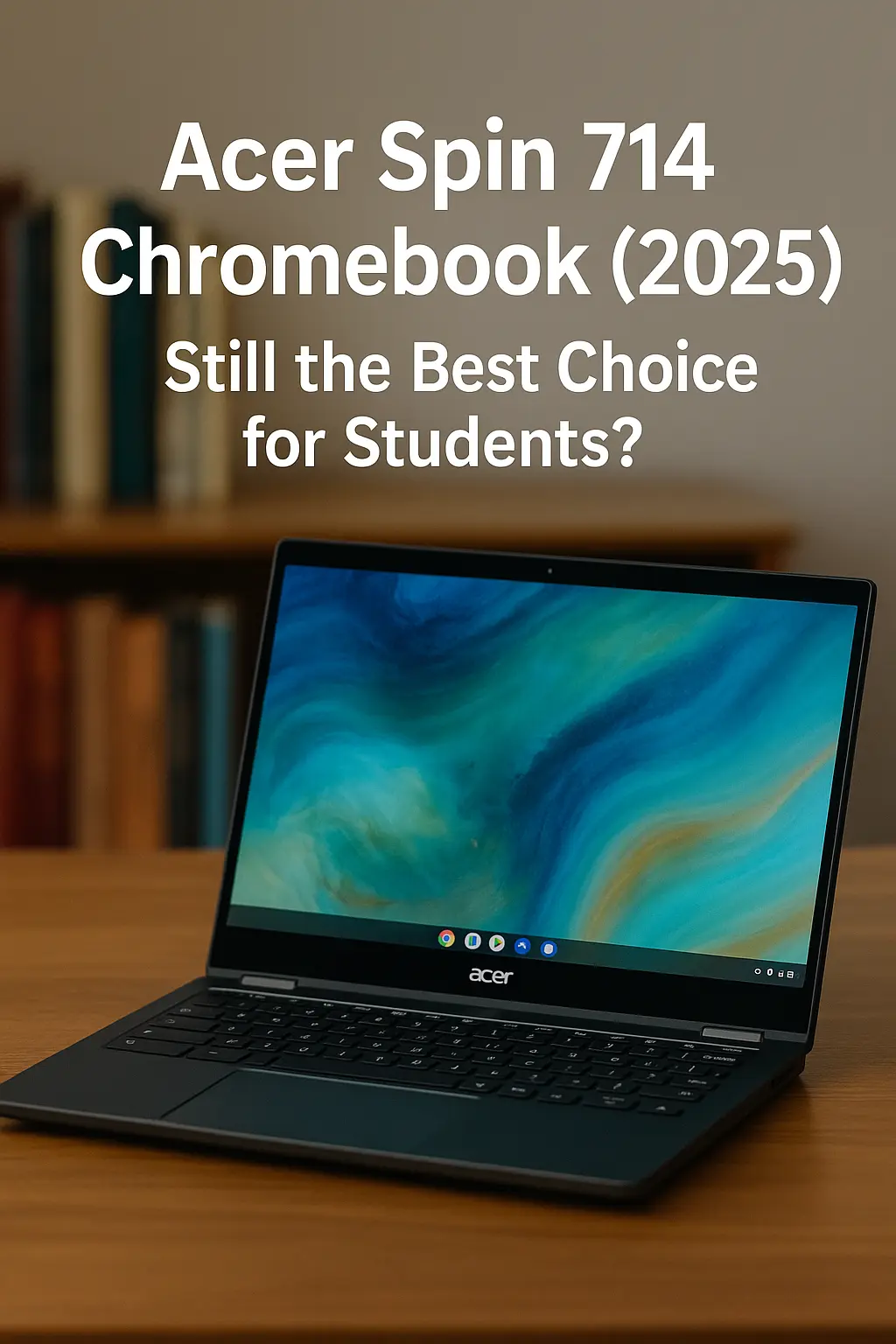
Acer Spin 714 Chromebook (2025) – Still the Best Choice for Students?
If you’re looking for a powerful and premium Chromebook for school or work, chances are the Acer Spin 714 is already on your radar. This model has been one of the most talked-about Chromebooks in recent years, and the 2025 version brings subtle but meaningful updates. But is it still the best Chromebook for students, or has the competition caught up?
In this review, we’ll dive into everything that matters – from specs and design to performance, real-world usage, and whether it’s worth your money in 2025.
Contents
🔧 Acer Spin 714 Chromebook (2025) – Key Specs
| Feature | Details |
|---|---|
| Display | 14″ WUXGA (1920 x 1200) IPS Touchscreen, 16:10 aspect ratio |
| Processor | Intel Core i5-1335U (13th Gen) or i7-1355U (config dependent) |
| RAM | 8GB or 16GB LPDDR5 |
| Storage | 256GB or 512GB PCIe SSD |
| Graphics | Integrated Intel Iris Xe |
| Battery Life | Up to 10 hours |
| Ports | 2x USB-C (Thunderbolt 4), 1x USB-A, HDMI, 3.5mm jack |
| Build | Aluminum chassis, MIL-STD 810H certified |
| Weight | Approx. 3.09 lbs (1.4 kg) |
| Operating System | ChromeOS with Android & Linux support |
🎯 Who Is This Chromebook For?
✅ Ideal For:
College students who need a durable, fast device for productivity.
Teachers & writers who want a premium Chromebook with a comfortable keyboard and great battery life.
Web developers or coders using Linux apps on ChromeOS.
Remote workers needing a lightweight and secure machine with fast performance.
🚫 Not Ideal For:
Gamers – it’s not built for AAA games beyond web-based or Android titles.
Video editors or creatives needing powerful rendering – ChromeOS isn’t the best fit.
Those on a strict budget – there are cheaper Chromebooks with decent performance.
👍 Pros – Why You’ll Love It
Premium Build Quality
The aluminum chassis feels like it belongs on a much more expensive laptop. It’s MIL-STD 810H certified, meaning it can handle some bumps and bruises.Fast Performance
With a 13th Gen Intel i5 or i7 under the hood, multitasking is a breeze. Whether you’re juggling Google Docs, Zoom calls, or multiple tabs, it doesn’t stutter.Beautiful Display
The 14″ WUXGA screen with a 16:10 aspect ratio gives you more vertical space, perfect for reading or editing documents.Great Battery Life
You can expect 8–10 hours of real-world usage, which is more than enough to get through a full school day.Excellent Keyboard & Trackpad
Typing is comfortable, and the trackpad is accurate – both better than most Chromebooks in this price range.Fast Charging & Thunderbolt 4
Charges up to 50% in under 30 minutes. Thunderbolt 4 support means better external monitor performance and faster data transfer.
👎 Cons – What You Should Know
Price Is on the High Side
Starting around $699, this is not a budget Chromebook. For the i7 version, it can go up to $899.ChromeOS Limitations
While it supports Linux and Android apps, some power users might find ChromeOS too limiting compared to Windows or macOS.No microSD card slot
With no expandable storage, you’re stuck with the internal SSD.Fan noise under heavy load
It’s not loud, but you’ll notice the fan when doing heavier tasks like Linux app compiling or video playback.
💰 Price & Availability in the US
Intel Core i5 / 8GB RAM / 256GB SSD – ~$699
Intel Core i7 / 16GB RAM / 512GB SSD – ~$849–$899
Available on: Acer.com, Amazon, Best Buy, and B&H
Education discounts may be available directly from Acer or Google for schools.
🧠 Verdict – Still Worth It in 2025?
If you’re a student looking for a fast, reliable, and well-built Chromebook that will last years and not feel sluggish over time, the Acer Spin 714 (2025) is hard to beat. It’s one of the best premium Chromebooks on the market right now.
However, if you don’t need the extra power or premium feel, there are cheaper options like the Lenovo Flex 5i or HP Chromebook x360 that offer solid value under $500.
🔗 Internal Link Suggestions
- Best 2-in-1 Laptops for Work and Play
- Acer Swift Go 14 vs 16 – Which Model Is Right for You in 2025?
- Top 7 Most Popular Laptop Brands in US
❓User FAQ – Acer Spin 714 Chromebook (2025)
Q1. Is the Acer Spin 714 Chromebook good for college students?
Yes, it’s an excellent choice for students who need a fast, durable, and lightweight laptop with great battery life and performance for multitasking.
Q2. Can the Acer Spin 714 run Android and Linux apps?
Absolutely. It supports both Android apps from the Google Play Store and Linux apps through Crostini, making it great for developers and power users.
Q3. Does the Spin 714 have a backlit keyboard?
Yes, it includes a full-size backlit keyboard that’s comfortable for long typing sessions.
Q4. How long does the battery last on a single charge?
You can expect around 8 to 10 hours of real-world use, depending on your workload and screen brightness.
Q5. Is it worth upgrading to the i7 model over the i5?
If you’re using heavy multitasking, Linux tools, or plan to future-proof, the i7 + 16GB RAM version is worth it. Otherwise, the i5 is already fast enough for most users.